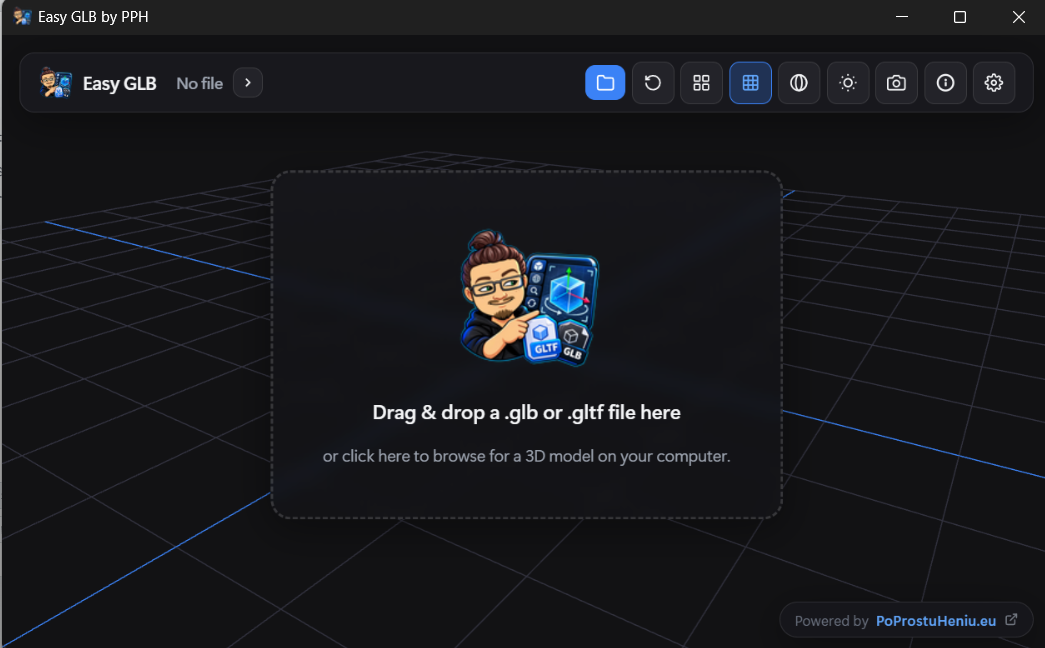
Drop in a model
Open .glb and .gltf files with drag and drop, the Open button or Ctrl+O. Browse other models in the same folder with the arrow keys and a file counter.
 POPROSTUHENIU.EU
WINDOWS 11 · PORTABLE 3D VIEWER
A lightweight, modern GLB and glTF viewer for Windows 11.
Easy GLB is built for 3D artists, game creators, designers and 3D-printing enthusiasts who want to preview and inspect models without opening a heavyweight 3D suite. It combines a native .NET desktop app with Three.js for a quick, focused model workspace.
.NET + THREE.JS · PORTABLE · WINDOWS 11
01 / MODEL WORKSPACE
Preview, inspect and check your models before sharing them or moving them into a game engine, 3D editor or slicer.
Open .glb and .gltf files with drag and drop, the Open button or Ctrl+O. Browse other models in the same folder with the arrow keys and a file counter.
Orbit, zoom and pan. Switch between front, back, left, right, top and bottom orthographic views. Quad View shows top, front, side and 3D perspective together; Hex View shows all six sides. Press Q or 4 for Quad View.
Compare PBR materials, Matcap, normals, wireframe and solid-color views. Studio HDR, Full Bright (unlit) and Reflections help check surface details, albedo textures and reflective materials.
Overlay a checker texture, inspect UV islands in a 2D view and switch between channels such as UV 0, UV 1 and UV 2 — useful for lightmaps and ambient occlusion.
Preview skeletal animations and morph targets. Pick a clip, scrub its timeline and change playback speed from 0.25× to 2×.
See triangle and vertex counts, mesh and material totals, animation count and model dimensions in meters (X × Y × Z). Save high-resolution PNG screenshots, including Quad View.
Set file associations to open models with a double-click and enable 3D model thumbnails in File Explorer.
BUILT FOR WINDOWS 11
Built with .NET WinForms and WebView2, with Three.js powering the 3D viewport inside a Windows 11-inspired Mica and Glass interface. Load models compressed with Draco, KTX2/Basis Universal or Meshopt. Set exposure from 0.1 to 3.0 and choose a dark, studio, light or transparent background.
READY WHEN YOU ARE
Download the portable Windows 11 app. Open models with drag and drop, the Open button or Ctrl+O. After setting up Windows file association, a double-click in File Explorer can open a model directly.
Download Easy GLBWHO IT IS FOR
Check exports from Blender or Substance before bringing assets into Unity or Unreal.
Review a model's dimensions, shape and scale before opening it in a slicer.
Test Draco and KTX2 compression, inspect UV channels and preview model animations.